Bring the book across, structure and all.
Morgan Vale started The Lantern Coast somewhere else. This is what moving it looks like.
Bring the book from wherever it is now.
Morgan drafted the first book of The Lantern Coast in Scrivener. Tabularia opens the project package directly, and it reads manuscript files, folders of chapters, and packages from several other writing apps too.
The conversion happens on your device. Nothing is uploaded to read it.
Supported imports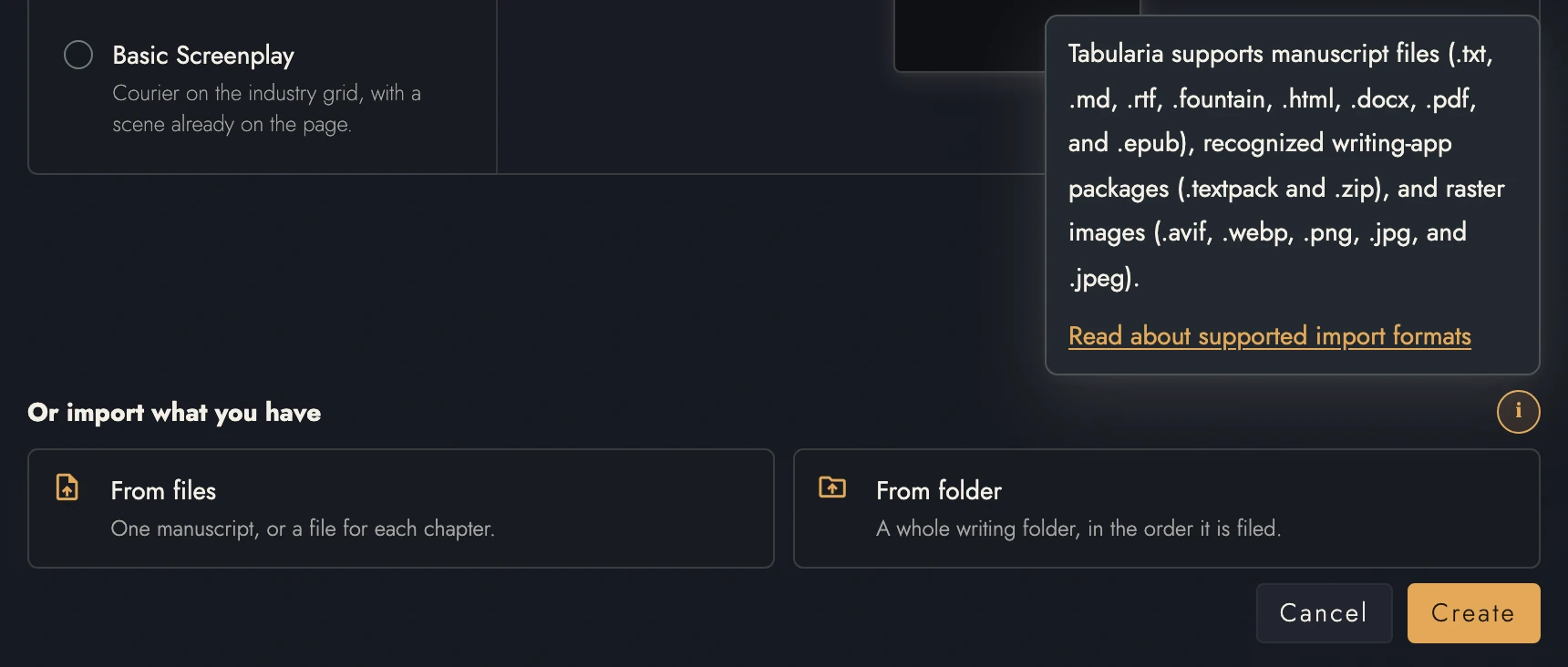
Keep the structure you already built.
The binder’s folders and documents become books, chapters, and scenes in the outline, in the order they had. Pictures the project refers to join its assets.
Check the result, rename what needs it, and keep writing.
Importing from other apps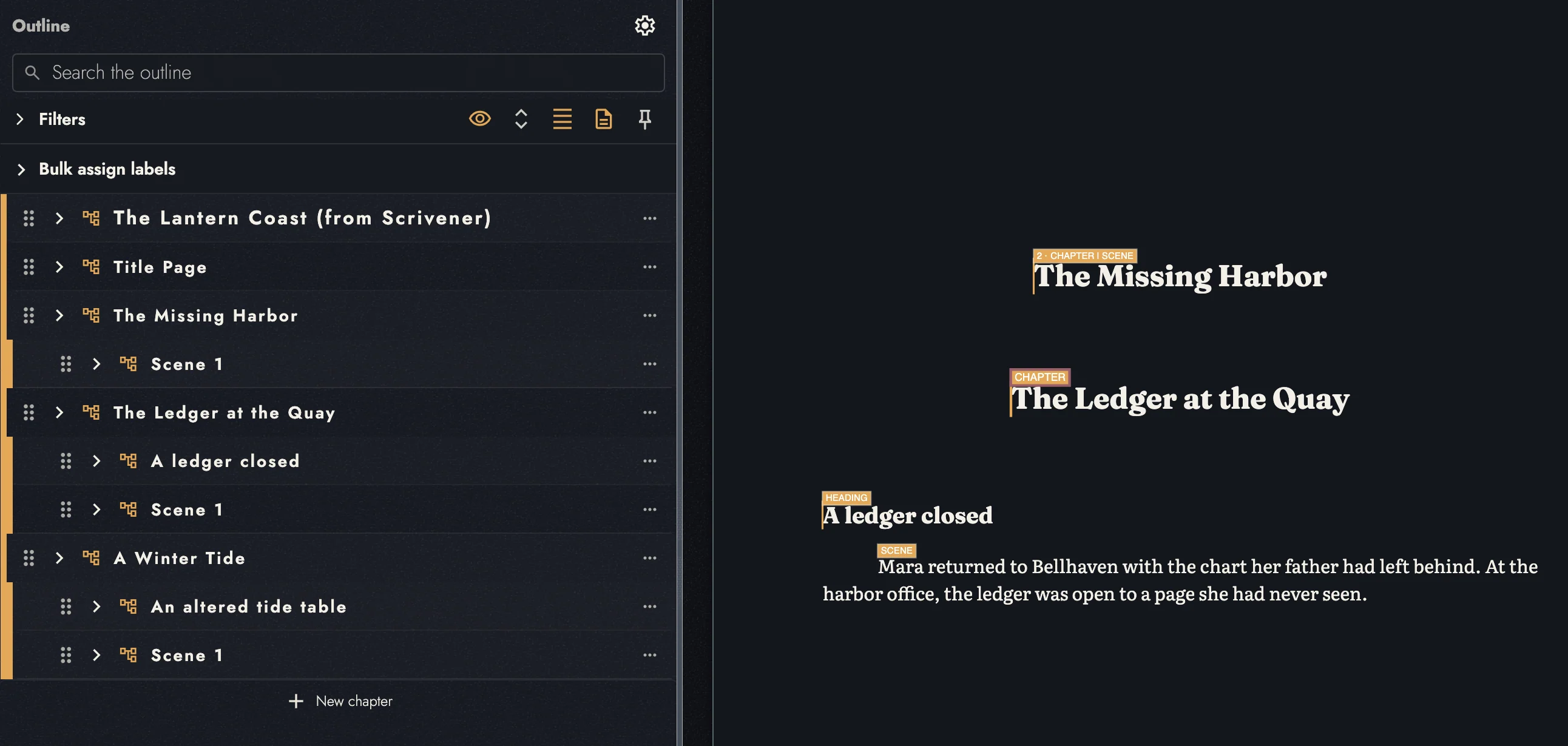
Write in one composition instead of a folder of files.
The chapters that were separate documents are now one continuous typeset manuscript. Scroll from the end of one into the start of the next. Timelines, drafts, and the minimap all work across the whole of it.
A tour of the workspace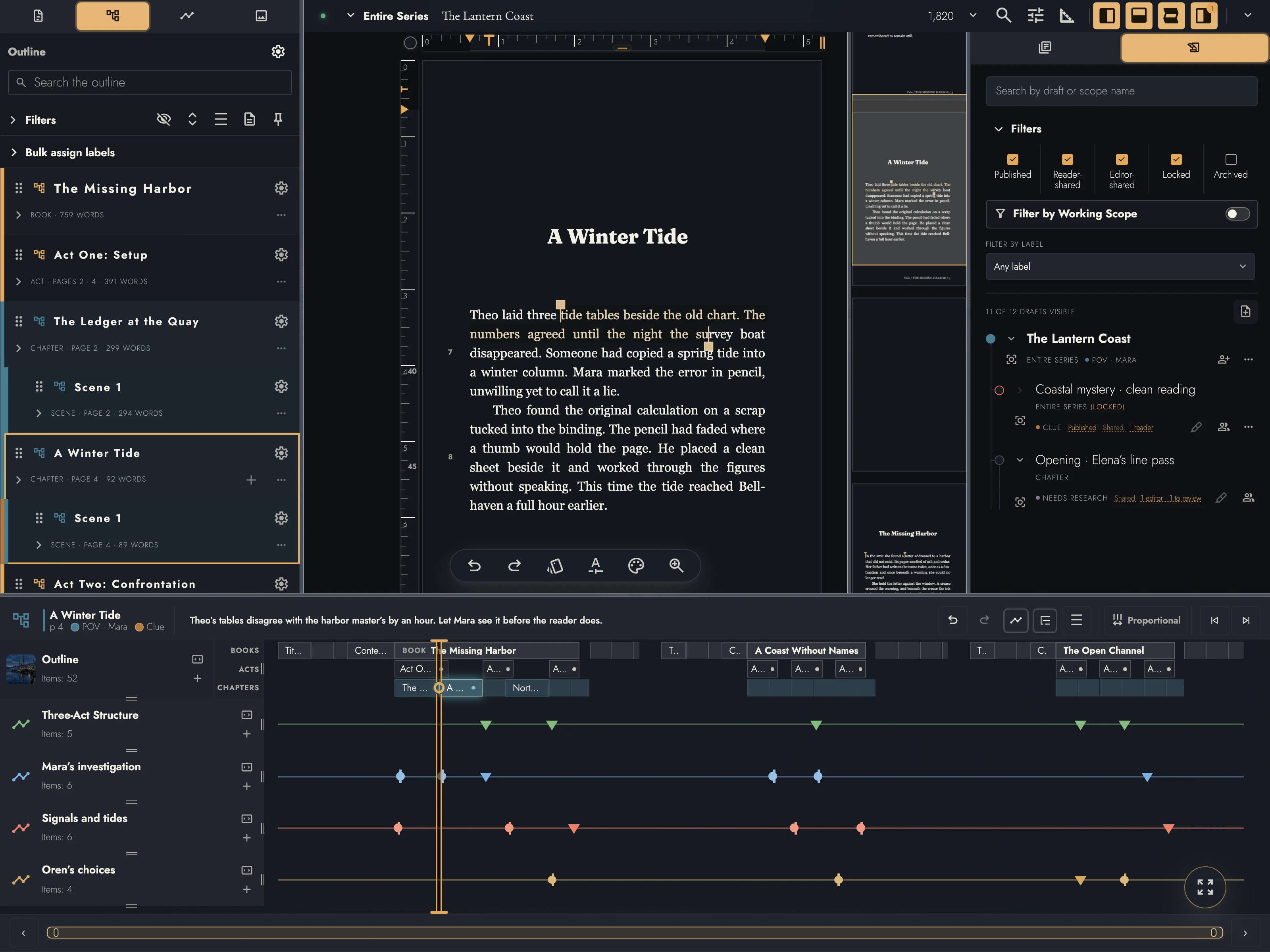
Take it out again whenever you like.
Export the manuscript in the format the next step needs, or keep a complete project archive with its drafts and timelines.
When an evaluation ends without a purchase, the archive and every format except PDF and EPUB stay open to you. The book was always yours to take.
Export formats in the Guide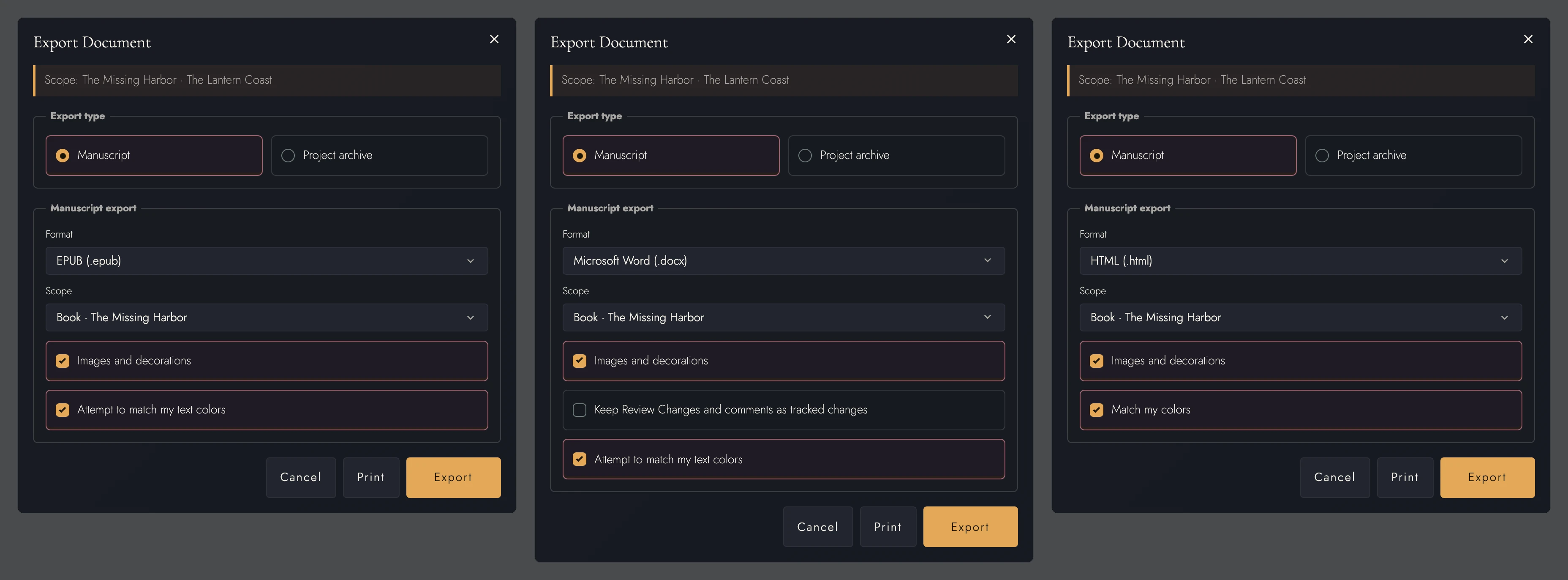
Bring your own work to the page.
Start a project or import a manuscript you already have. The Guide is there when you need the steps for a particular task.
Take another tour.
- Overview → One revision of a novel series, from draft to reading edition.
- Novels → Timelines for every thread, story structures, and alternative openings.
- Nonfiction → An argument built chapter by chapter, with its sources kept attached.
- Screenplays → An imported short, a dialogue pass, and a script ready for the next app.
- Articles → An essay from the article starter to a second try at its lede.
- Series → Several books in one manuscript, each with its own matter.
- Editors → A review from the Editor’s side, then back to the author.