A review, from the Editor’s chair.
Elena Brooks edits The Lantern Coast for Morgan Vale. Both are fictional; the review workspace is the real one.
Accept the invitation, and the draft is there.
Elena Brooks edits for Morgan. She accepts the invitation with the address it was sent to, and the shared project appears in her library. Nothing else of Morgan’s is visible to her.
She does not need a paid plan. The author’s Cloud plan covers the review.
What Editors see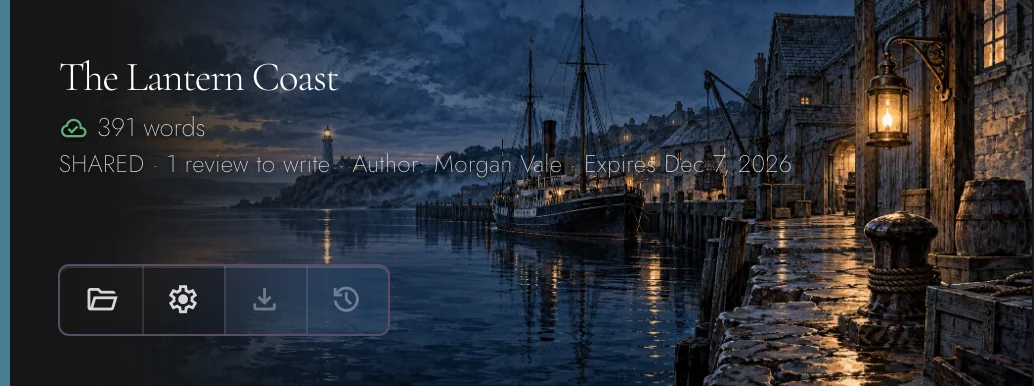
Read the draft as it was sent.
Elena’s workspace holds two versions. As Sent is the author’s draft exactly as Morgan shared it, whatever Morgan has written since. Your Copy is where her own work goes.
Returning a review
Change the wording, and say why.
Elena edits the sentences directly. Each change is recorded as a suggestion against the draft she was sent, and a comment beside it explains her thinking.
She can suggest wording and leave notes. Restructuring the outline, importing text, and sharing onward stay with the author.
What an Editor can change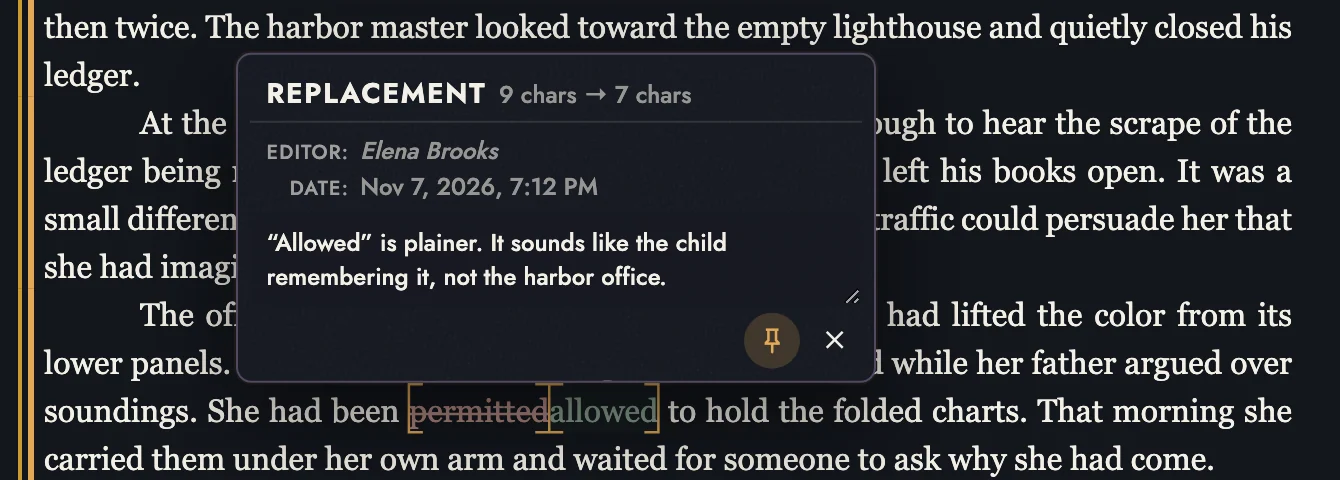
Send the review back when it is ready.
Her work stays private until she submits it. Submit to Author sends the wording and the comments together, and the review closes to further edits.
Submitting a review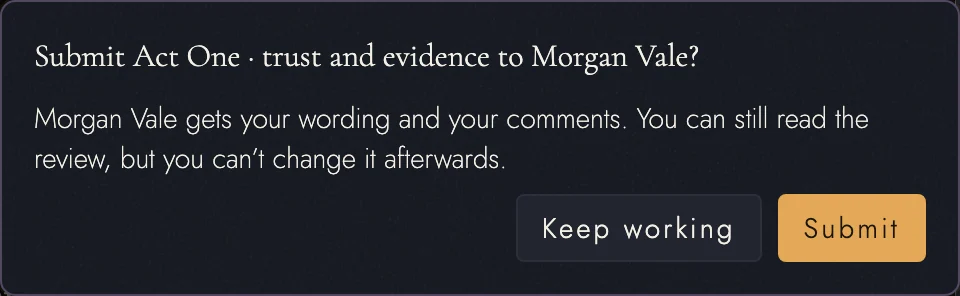
The author decides, one change at a time.
Morgan opens the returned review as a draft of its own. Each change has a card naming who made it and when, with Elena’s note on it.
Accept it, reject it, or settle them all at once. Nothing an Editor writes reaches the book until the author agrees.
Reading the feedback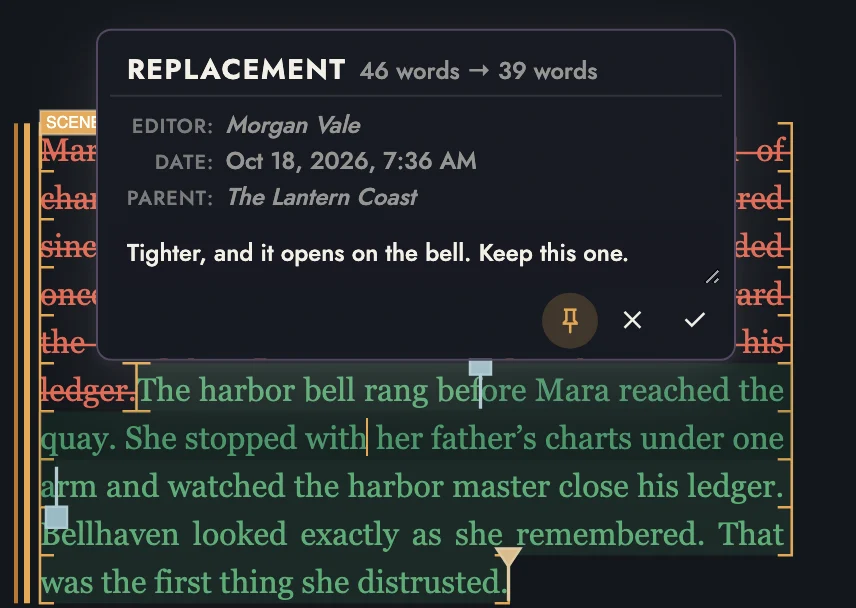
Bring your own work to the page.
Start a project or import a manuscript you already have. The Guide is there when you need the steps for a particular task.
Take another tour.
- Overview → One revision of a novel series, from draft to reading edition.
- Novels → Timelines for every thread, story structures, and alternative openings.
- Nonfiction → An argument built chapter by chapter, with its sources kept attached.
- Screenplays → An imported short, a dialogue pass, and a script ready for the next app.
- Articles → An essay from the article starter to a second try at its lede.
- Series → Several books in one manuscript, each with its own matter.
- Switching apps → Bringing a Scrivener project across, structure and all.