What Tabularia Is
Tabularia is software for writing a whole book, or a whole series, as one connected manuscript, from the first outline to the typeset page. Story threads stay anchored to the passages that carry them. It runs in a browser on a computer, a tablet, or a phone, and it keeps working offline.
Partner terms, from commission to the reader discount, are on the Partners page.
Talking Points
Eight things a viewer can see working within a minute. Each links to the guide page that explains it in full.
-
Pages set like the finished book
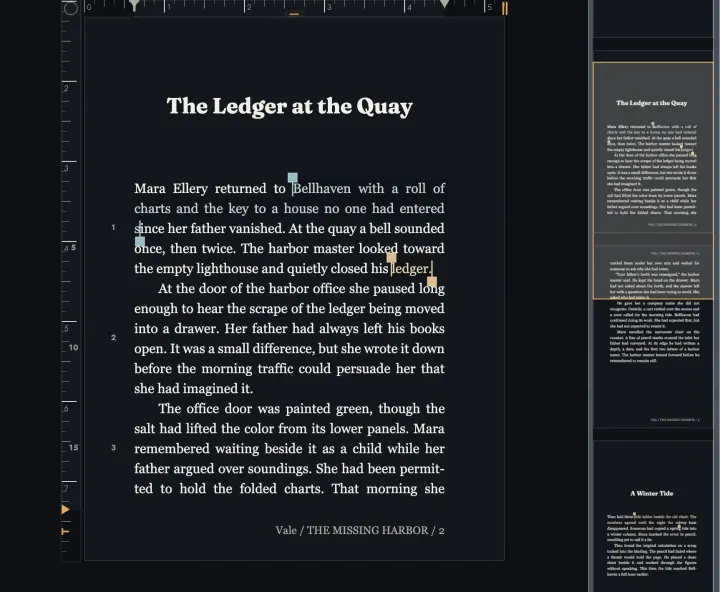
The writing surface is typeset as a book while you write: Chapter openings, running heads, and page numbers are there from the first draft, so nobody has to imagine the result.
Guide: Designing a Book
-
Timelines tied to the text
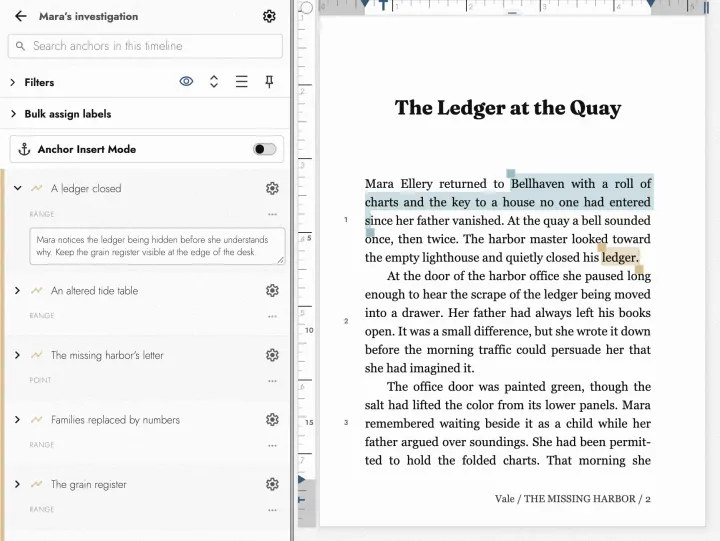
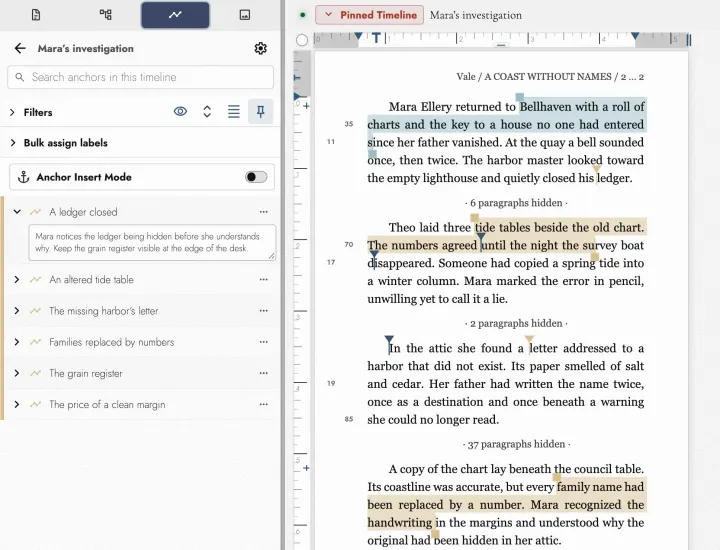
A Timeline follows one character, clue, or subplot. Each marker is anchored to the passage where it happens, and the spacing follows the words between them, so a thread that vanishes for eighty pages looks like a gap.
Guide: Timelines
-
Drafts that merge back a difference at a time
Copy a Scene, a Chapter, or the whole book into a Draft and rewrite it freely. When it wins, merging turns each changed paragraph into a decision of its own.
Guide: Working with Drafts
-
A long book stays easy to move around
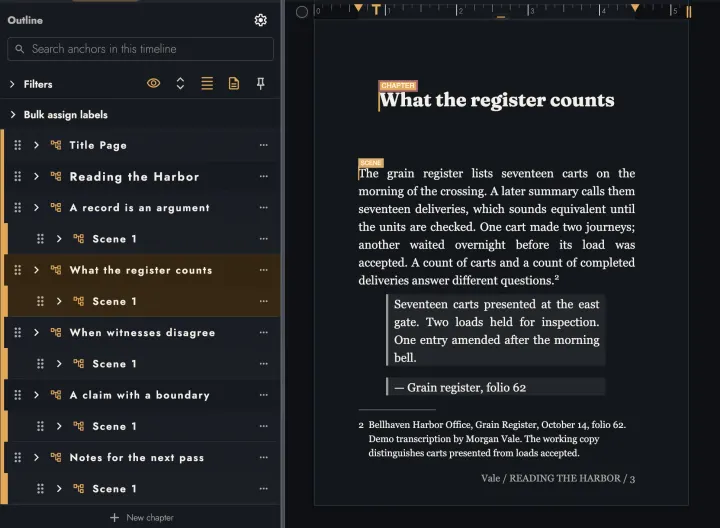
The Outline lists every Book, Act, Chapter, and Scene. Working Scope narrows the page, the counts, and Find to one part of it, and the minimap shows where you are.
Guide: Navigating a long manuscript
-
Sheets for the cast and the world
Characters, places, and the rules of the world each get a Sheet beside the writing, with a picture and the facts a writer keeps forgetting.
Guide: Sheets
-
Readers and editors who never pay
Share a book or a single Chapter with Readers and Editors. An editor’s wording changes come back as a redline the writer accepts or rejects.
Guide: Sharing for review
-
Files that publishing expects
PDF and EPUB for publication, Word for an editor who wants one, and Fountain or Final Draft for a script.
Guide: Exporting and printing
-
An AI assistant on the writer’s terms
Claude or ChatGPT can read a manuscript once the writer connects one and asks. Unless told otherwise, its edits land in a Draft of their own and merge back like anyone else’s.
Guide: AI assistants
Who It’s For
Each tour walks one kind of writer through a real revision, with screenshots.
- Novelists: follow one clue through a mystery and weigh two openings against each other.
- Nonfiction and memoir writers: keep the argument in order and every source note beside the claim it supports.
- Screenwriters: write on the industry grid, then hand off Fountain or Final Draft.
Pricing Facts
These are the numbers reviewers most often get wrong. All prices are in US dollars, and this page reads them from the same place the checkout does.
- Local plan: $219, once. It is not a subscription. The license never expires and includes a year of updates and support; renewing updates costs $54 a year and is optional.
- Cloud plan: $20 a month, or $192 a year. Paying yearly saves 20%. It includes the Local plan while subscribed and adds backup and sync, sharing, and the AI connectors.
- Words and projects are unlimited on both plans. Images share a 10 GB allowance across an account.
- Anyone a writer invites to read or edit the book uses it free.
The free evaluation
- The Local plan can be evaluated free for 14 days, with no credit card.
- The days do not start at sign-up. Tabularia asks the first time it opens online, and “Not yet” keeps all 14 waiting.
- Every export works during the evaluation. PDF and EPUB carry a small proof line until the writer buys a plan.
- When the evaluation ends, Tabularia still opens. A writer’s projects become read-only, and Word, Markdown, and a complete project archive still export.
Screenshots and Logos
12 product screenshots in PNG, from 1280 to 3200 pixels wide, in both the light and the dark theme. The same zip holds the Tabularia mark and the full logo, in SVG and PNG, for light and dark backgrounds.
Download the press kit (ZIP, 14.6 MB)
Use the logo as it is. Please don’t recolor, stretch, or redraw the mark, and leave it some clear space.
-
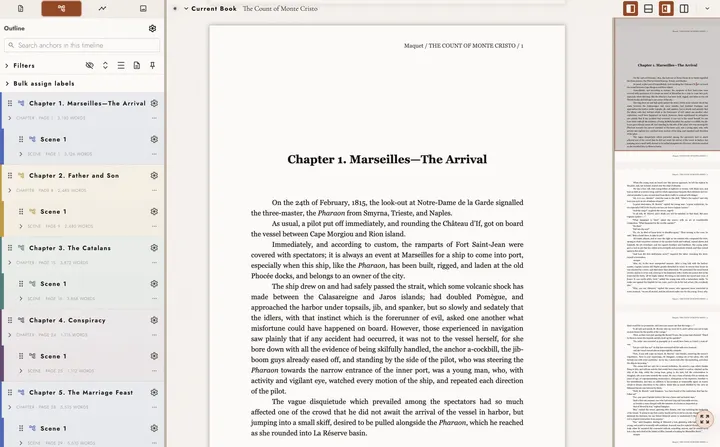
Light · 2880 × 1786 -
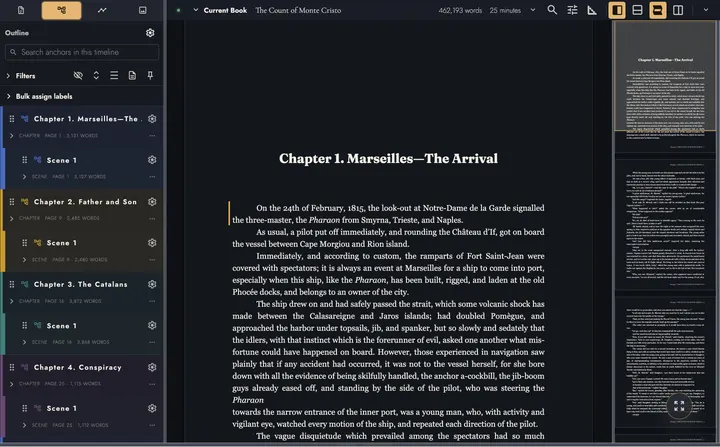
Dark · 2880 × 1786 -
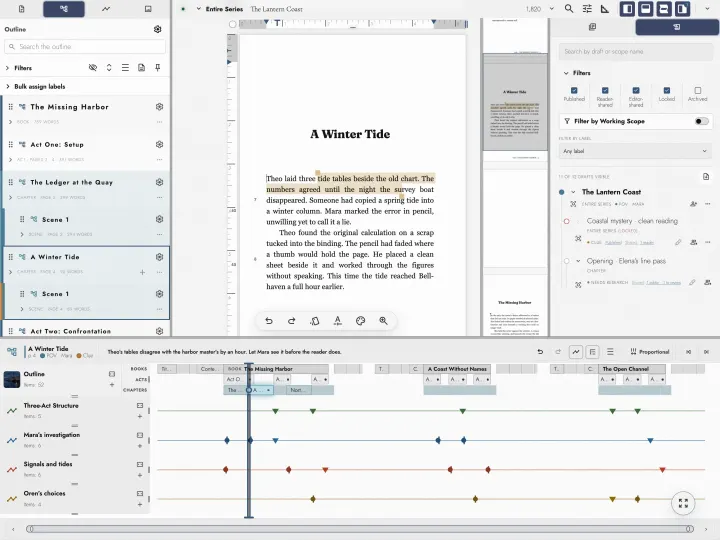
Light · 3200 × 2400 -
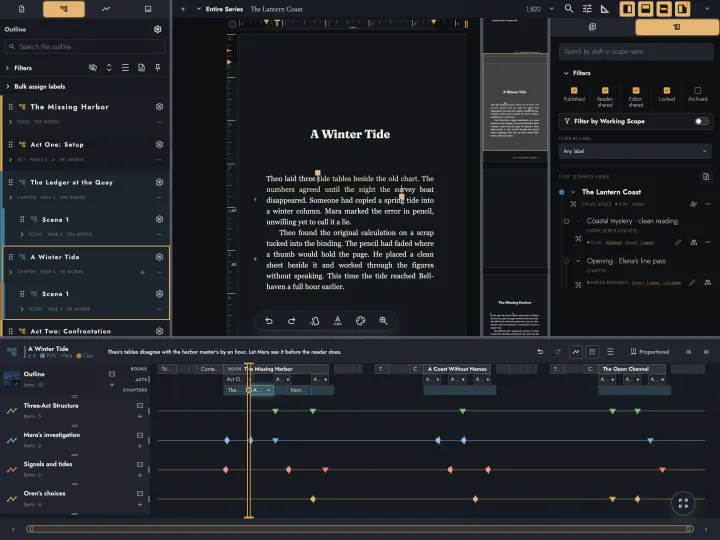
Dark · 3200 × 2400 -
Light · 1874 × 1408 -
Dark · 1726 × 1420 -
Light · 1936 × 1480 -
Dark · 1936 × 1420 -
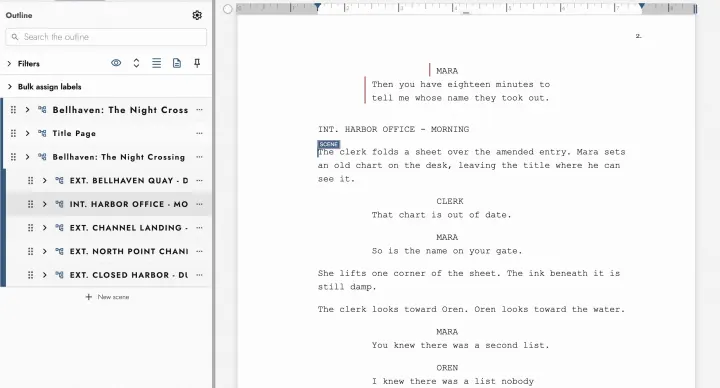
Light · 2560 × 1380 -
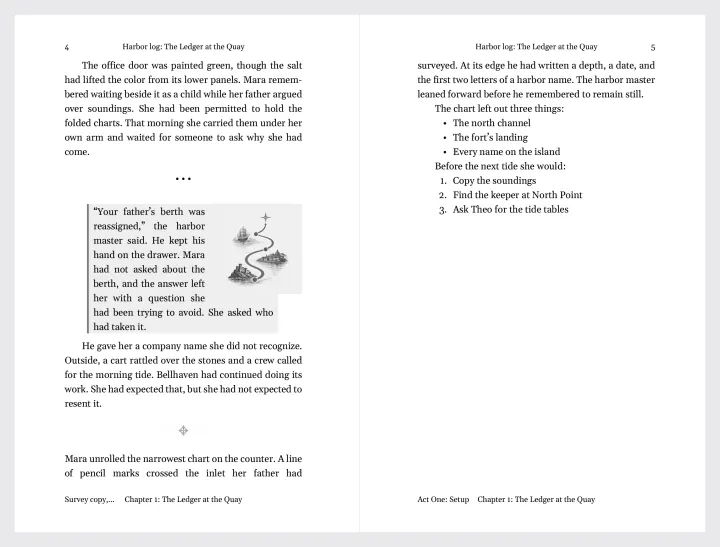
Light · 2750 × 2090 -
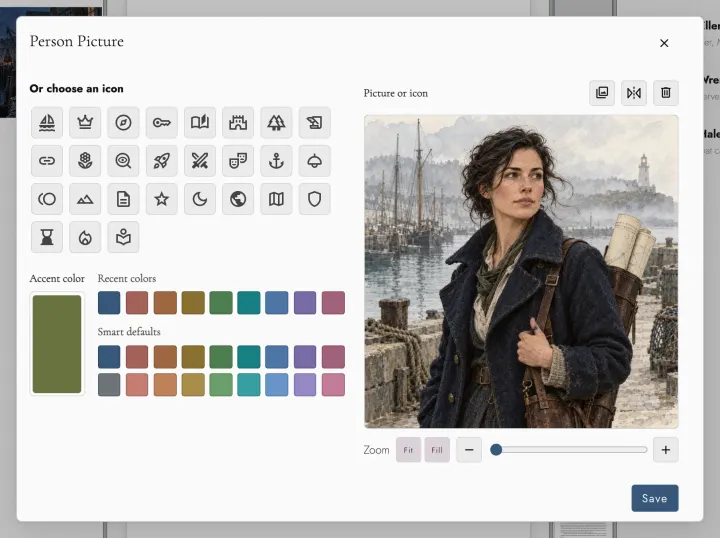
Light · 1808 × 1352 -
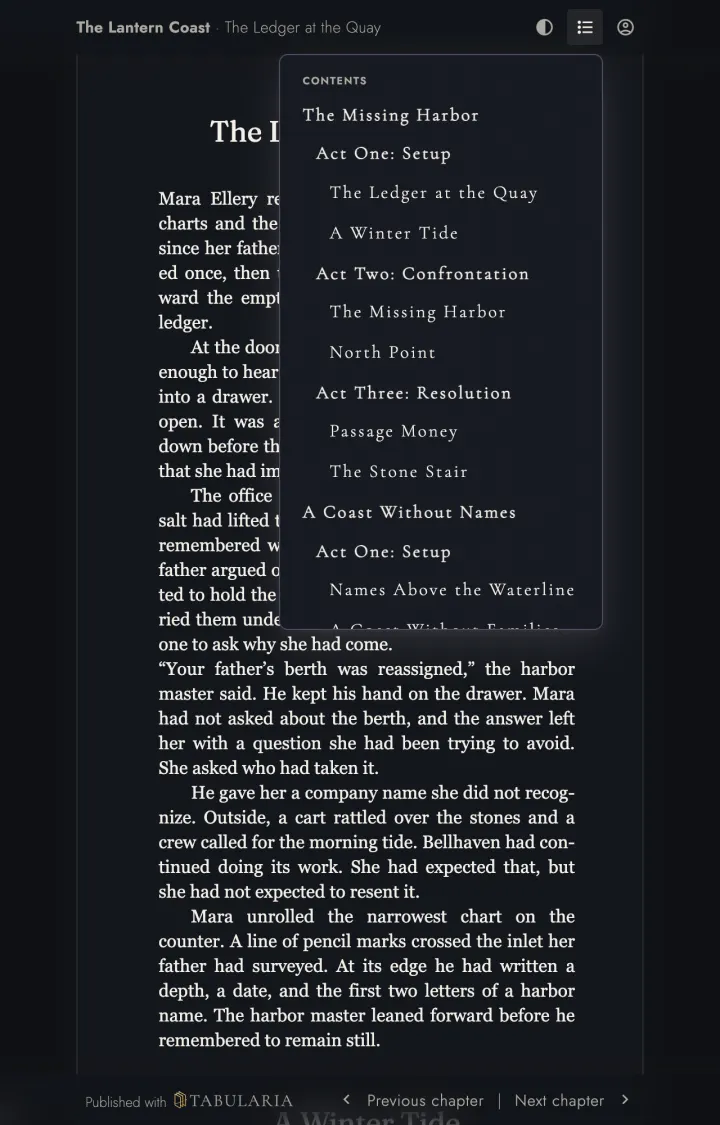
Dark · 1280 × 2000
A Pitch to Adapt
Rewrite these in your own voice. They are a starting point, not a script to read out.
For a post or a newsletter
Most writing software treats a book as a pile of files. Tabularia treats it as one manuscript: you write on pages that already look printed, follow each character on a Timeline pinned to the scenes that carry them, and try a new opening as a Draft you merge back one change at a time. It runs in your browser, works offline, and the Local plan costs $219 once. You can evaluate it free for 14 days without a card.
A 30-second spoken intro
If you’re writing something long enough to lose track of — a novel, a series, a memoir — this is Tabularia. The whole book lives in one manuscript, and it’s laid out like the printed page while you type. See this Timeline? Every marker is pinned to the passage where it happens, so I can follow one character straight through. And when I want a different opening, I make a Draft and merge it back one change at a time. Let me show you.
The disclosure line
Put it before your link, where a reader sees it without scrolling. In a video, say it aloud as well as writing it in the description.
Disclosure: I’m a Tabularia partner, and I earn a commission if you buy through my link.
A Three-Minute Demo
Record your own walkthrough with this running order. Before you start, import a book with enough text to move around in: a draft of your own, or a public-domain novel downloaded as an EPUB. A long one shows the navigation best.
- 0:00 Open on the page. Scroll through a Chapter opening and point out the running heads and page numbers.
- 0:20 Open the Outline in the left sidebar and click a Chapter to jump to it.
- 0:40 Set Working Scope in the top bar to the current Chapter, then turn on the Minimap. The word count follows the scope.
- 1:00 In the Timelines tab, choose New timeline and name it after a character. Turn on Anchor Insert Mode, select a passage, then mark another one a few Chapters later.
- 1:30 Open the Timeline drawer and show the gap between the two markers.
- 1:45 In Drafts & Sharing, create a Draft of the current Chapter and rewrite its first paragraph. Switch the Draft off and on to compare.
- 2:15 Merge the Draft. Accept one change and reject another, so viewers see that each is a separate decision.
- 2:35 Add a Person Sheet for your character from the Sheets tab.
- 2:50 Choose Export on the project row, pick PDF, and close on the price and your disclosure.